Virtual Mirror
AirPlay screen mirroring for your Mac — multiple iPhones or iPads at once, no Apple TV.
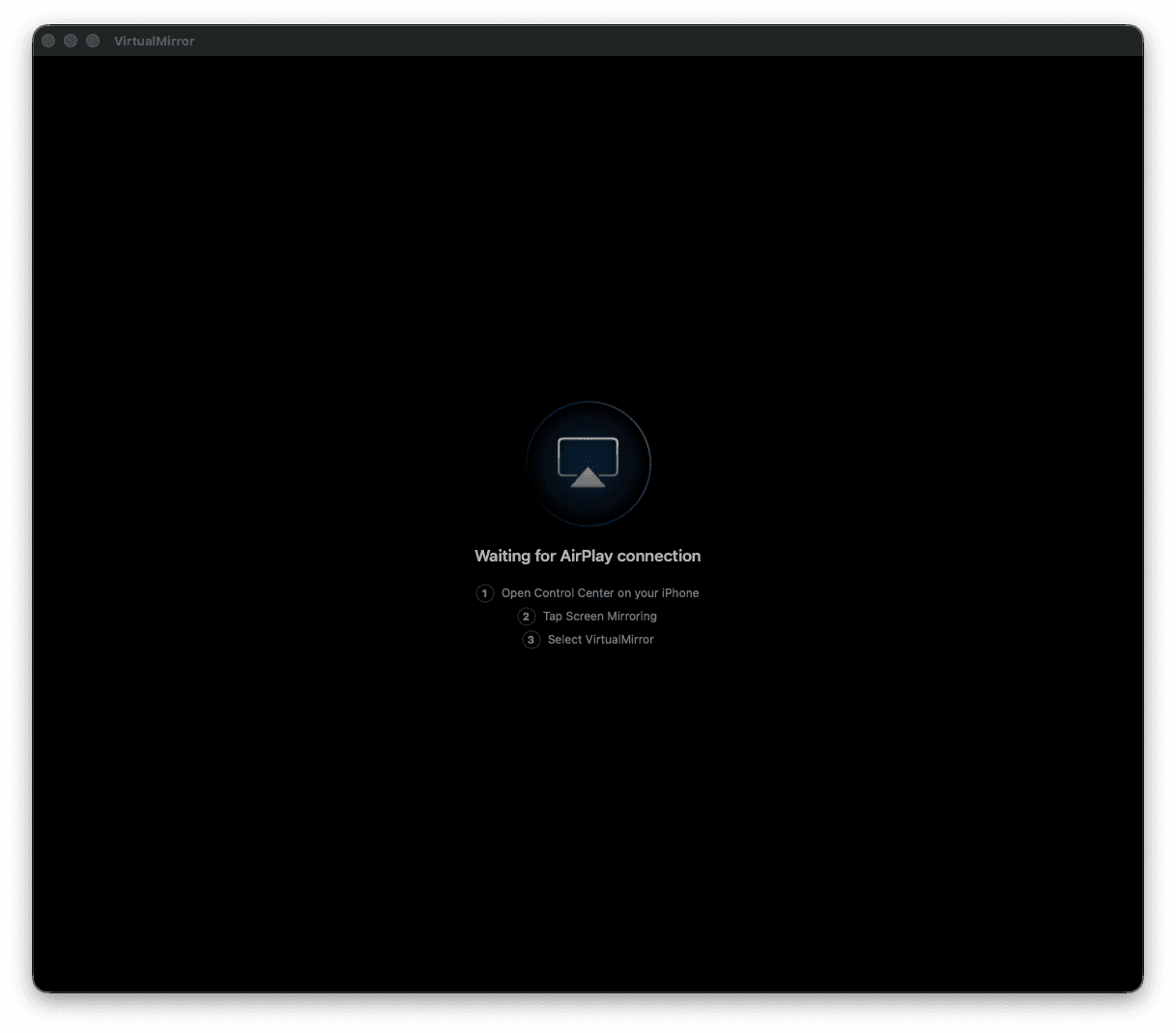
VirtualMirror turns your Mac into an AirPlay receiver. Mirror an iPhone or iPad to a native window — no Apple TV, no cables, no Electron. Open as many receivers as you like and mirror several devices at once.
Highlights
What you get the day you install it
📱
Mirror any iPhone or iPad
Pick VirtualMirror from Screen Mirroring in Control Center — your device appears in a window on the Mac. No Apple TV required.
🪟
Multiple receivers at once
Each window is its own receiver with its own name. Open more with ⌘N and mirror several devices side by side — each shows up separately in the iPhone's list.
⚡
Low latency, hardware-decoded
H.264 decoding runs on VideoToolbox, the Mac's dedicated media engine — smooth, responsive, light on the CPU.
🔊
Audio, not just picture
Full audio passthrough with a volume slider built into the window. Hover to reveal it; click to mute.
Built for the keyboard
Everything one keystroke away
⌘
Command Palette (⌘K)
A searchable, keyboard-driven list of every action — new receiver, rename, restart, mute, check for updates, help, feedback. Type to filter, arrows to move, return to run.
📊
Live connectivity footer
A status strip on each window shows the connected device and — while mirroring — resolution, frame rate, and session time at a glance.
✏️
Rename receivers live
Give each receiver a name (“Living Room”, “Test Phone”). The window title and the name your iPhone sees update instantly.
🔄
Handles rotation & lock
Rotate the device or lock and unlock it — the stream recovers on its own, no reconnecting.
Native, Not a Browser in Disguise
Built in Swift, at home on the Mac
🪶
Lives in the menu bar
The app keeps running in the menu bar even with no windows open; reopen a receiver any time with ⌘N. Built-in Help and one-tap feedback are a click away.
🔒
Local & private
The stream goes straight from your device to this Mac over your own network. No cloud, no account, no telemetry. Each receiver uses a fresh, in-memory pairing identity.
Get Started in Seconds
Same Wi-Fi, four taps
⬇️
Install
Drag VirtualMirror to Applications and launch it.
📲
Control Center
On your iPhone or iPad, open Control Center and tap Screen Mirroring.
🪞
Pick VirtualMirror
Select VirtualMirror from the list of receivers.
✨
You're mirroring
Your screen appears on the Mac, with sound.
Who It's For
Anyone who needs an iPhone on a bigger screen
🧑🏫
Presenters & teachers
Demo an iOS app or walk through a phone on the big screen during a call or in a room.
👩💻
Developers & QA
Watch several real devices next to Xcode while you test — no capture card, no cables.
🎮
Gamers & streamers
Put a mobile game or video on the Mac to record or share, audio included.
Under the Hood
For the curious
Requirements
What you need to run it
💻
macOS 14+
Sonoma or later
📶
Same Wi-Fi
Mac and device on one network
📱
iPhone or iPad
Any device with AirPlay mirroring